If you are unable to find the original article to be translated please ask “Ari” on Teams to upload it and ask her to share the URL ready to be translated.
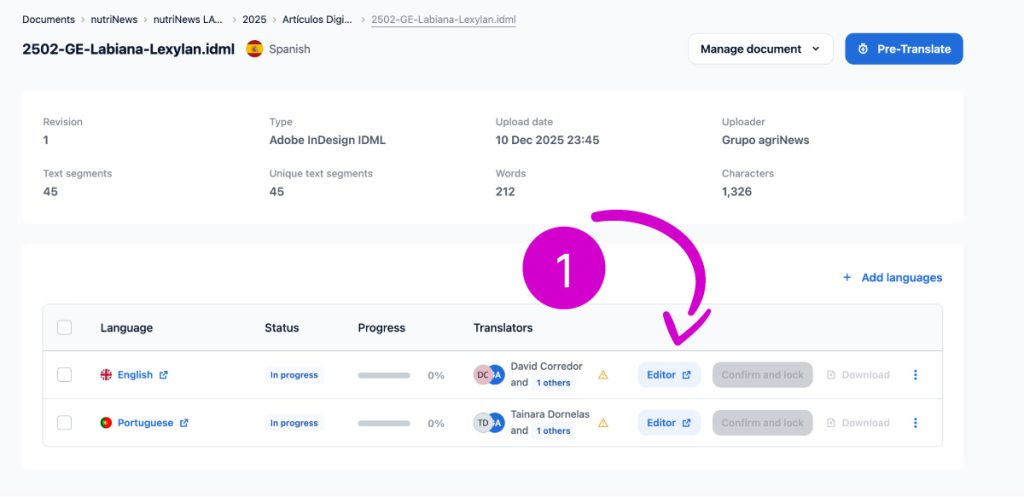
Now you will receive something similar to “https://app2.redokun.com/documents/show/199117”
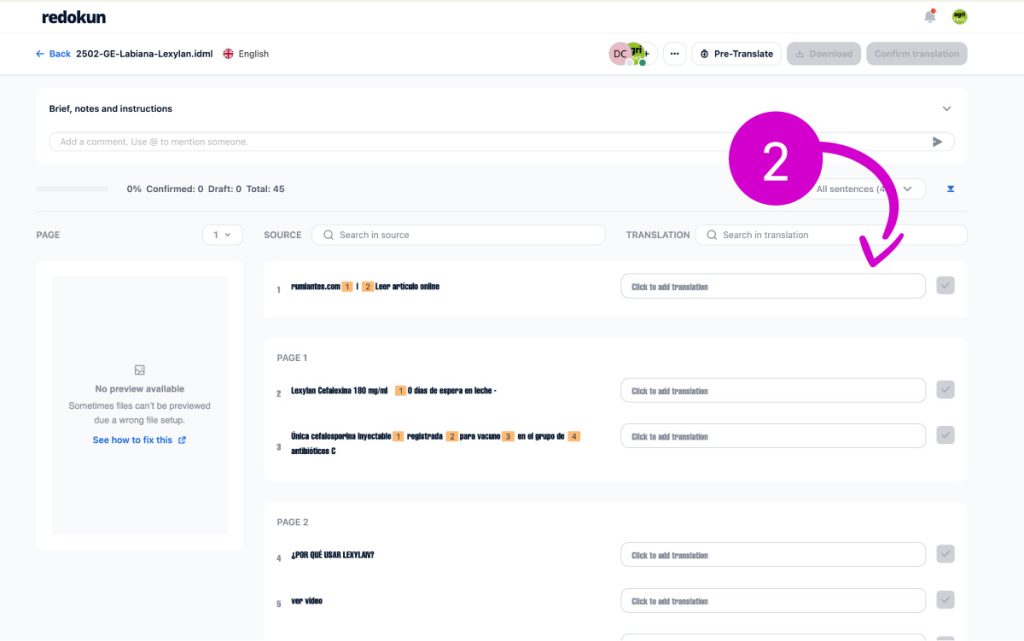
Now you can start to translate
Share URL to Designer
Once the translation is done proceed in this way, and Send the URL in teams – The request must be made via Teams, in the same magazine channel, and in the following way. For translator Profiles Copy Paste the Redokun link and share it with Ari as is shown in the video
Finally you will receive the PDF and you can start to upload it online